
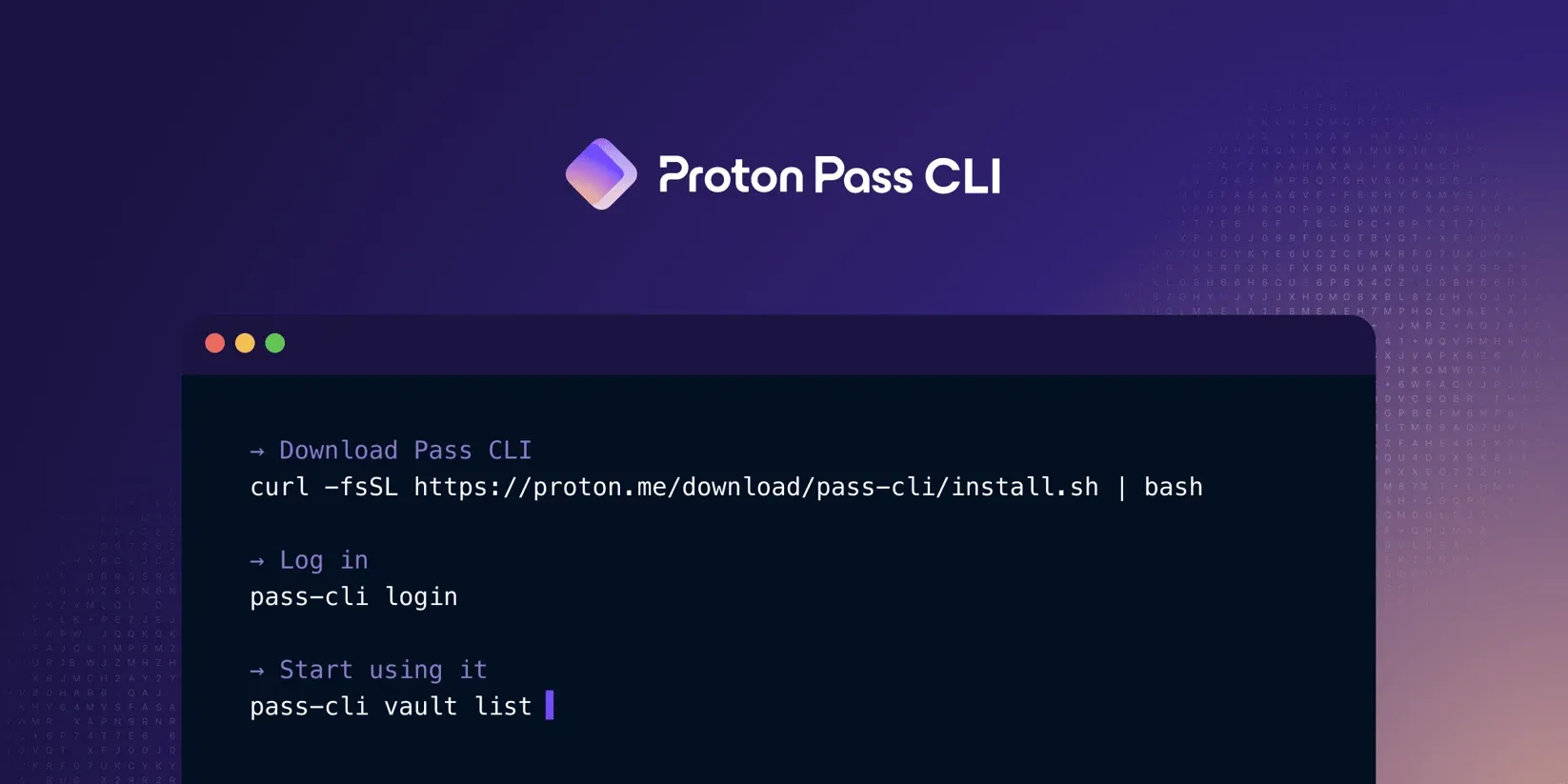
- Proton Pass added a command line interface
- Developers can safely run queries from the terminal
- CLI is available for Pass Plus, Pass Family, Pass Professional and all Proton packages.
Proton Pass, one of the best password managers, recently introduced a command line interface (CLI) that allows developers to securely retrieve secrets directly from the terminal.
This means users can create simple, script-based workflows and automated tasks to improve speed and efficiency.
CLI does not compromise security. Credentials can be inserted directly into scripts while maintaining end-to-end encryption.
Fast and safe
For those who don’t know, a CLI is kind of a text version of the Proton Pass app, where actions are performed by typing simple commands into the terminal. While the average user prefers to press a button, advanced users can use the CLI to set up automated workflows that speed up tasks without compromising security.
Users can do almost everything the Proton Pass app can do, such as manage passwords, notes, credit cards and other saved items. Users can also edit vaults in the CLI and manage member access. App password authentication also allows users to work in CI/CD, server, container and headless environments.
CLI is available for Pass Plus, Pass Family, Pass Professional and all Proton packages. Free users must upgrade to a paid plan to access the CLI.
Son Nguyen Kim, founder of SimpleLogin, said: “By implementing Proton Pass into your existing workflows, you can enable faster workflows, reduce context switching and implement secure automation in your local development, server and CI/CD environment. It is designed to help you work faster, more securely and easier to integrate into your daily work routine.
For a full description of what the CLI allows, see .