
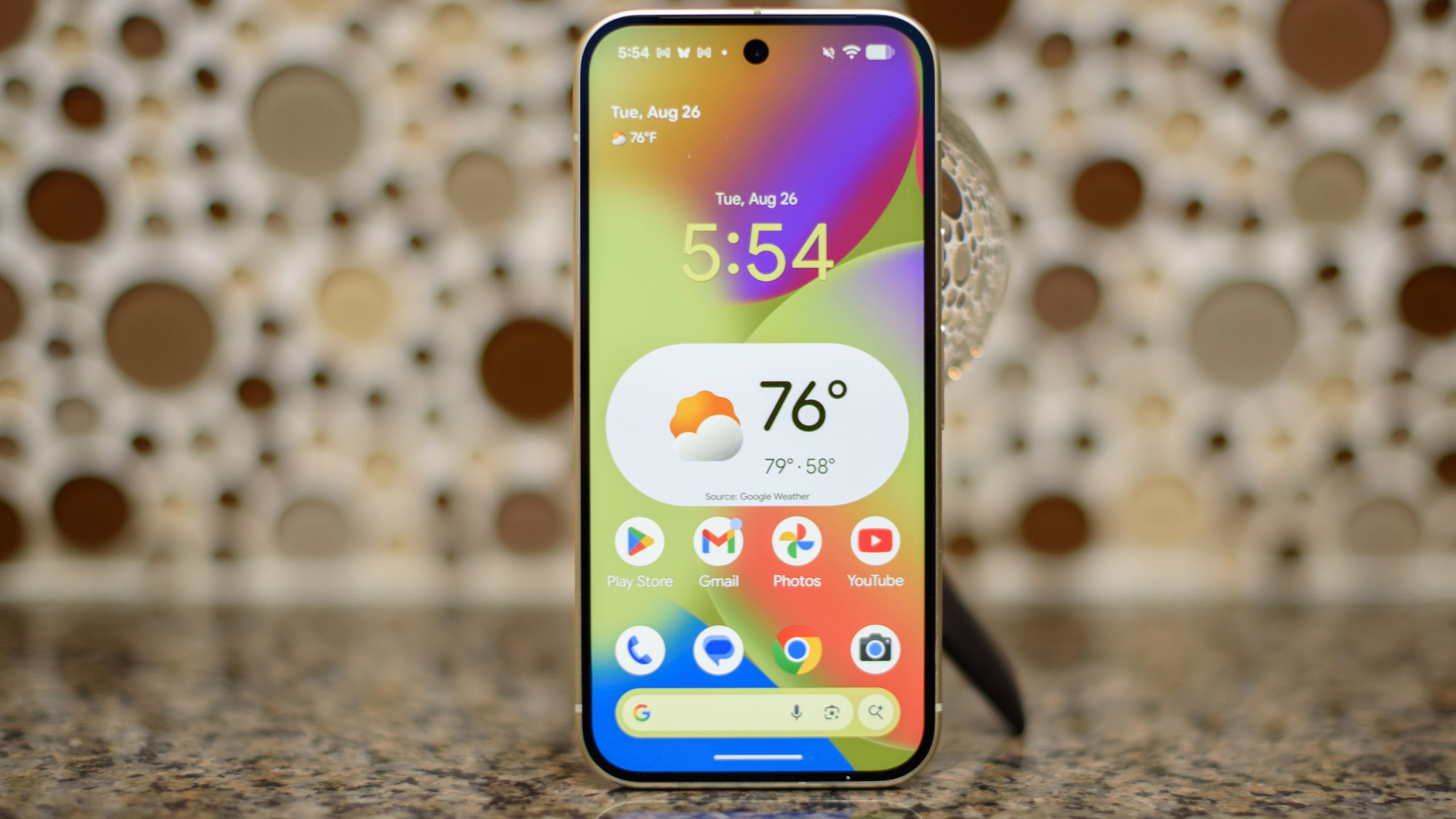
Android 16 was only released in June, but another big Android update has just arrived.
It still falls under the Android 16 banner, but there’s a lot to offer in this new package, including more AI features, new customization options, parental controls, and accessibility improvements.
Below, we’ve detailed seven of the most notable new features that could make this update available for immediate download.
However, keep in mind that this is currently only available on eligible Pixel devices. If you have a phone from another brand, you’ll have to wait longer, and since other companies develop their own versions of Android, there’s no guarantee you’ll get these specific features.
1. AI-powered message summaries
If you’re feeling overwhelmed by messages and other notifications, Android’s new AI-powered notification overviews can be of great help.
It’s basically the same thing as the Merge Notifications feature on iOS. In other words, it will use AI to condense the content of messages and other messages so that you can get the gist of the message in an instant without having to read the 50 new messages in that group chat or a piece of text that could have been a single sentence.
Of course, as with similar features on iOS, errors or lack of context can sometimes occur, so it remains to be seen how much you can trust it. But it should at least give you a clearer idea of how urgently a particular message requires your attention.
2. Compilation of reports
These AI-powered summaries aren’t the only changes to notifications, as this update also organizes them better by grouping and turning off lower-priority notifications like news and promotions.
You’ll now see high-priority messages (like messages from contacts) at the top of the notification bar, as well as messages grouped below for lower-priority items, which you can tap to expand and read or simply dismiss.
3. Improved customization
The latest Android 16 update also brings some customization improvements, including custom icon shapes to make the icons on your home screen stand out and better reflect your taste.
When you add a theme to your icons, that theme is now automatically applied to your apps for a more consistent look. And changes have been made to the dark theme, which now darkens most light apps, even those that don’t have their own dark theme. This should also improve your phone’s battery life as the dark theme consumes less battery.
4. Parental control
There’s also now a parental controls section in the main settings menu on Pixel phones. You can protect these controls with a PIN code. It lets you limit daily screen time, set sleep schedules to ensure kids can sleep through the night without smartphone distractions, and limit the time they spend on certain apps or block apps entirely.
Plus, you can easily change these limits at any time: add extra minutes if a time limit is reached or extend the time before you can access your phone or an app again.
5. Grounds for appeal
Call Reason is a new feature that’s currently in beta and coming, but it’s worth highlighting now because it seems useful.
Allows you to mark a call to a saved contact as urgent (if using the Google Phone app). When you do this, the recipient will see on their screen that it is urgent. If you miss the call, your call log will also show “urgent”. They know how to respond when possible and call back as quickly as possible if they miss them.
6. Check for scams with Circle to Search
Scams are everywhere these days, but there are also more and more fraud detection tools, and one of those new tools is Circle to Search.
Now when you use Circle to search for something you suspect is a scam, such as a suspicious text message, you’ll see an AI preview that tells you whether or not it’s likely a scam and what action to take.
7. Accessibility Improvements
This new update also includes several accessibility improvements that some people may find extremely useful.
These include things like lighter clicks when you have a mouse connected to your Android device; the ability to use smart dictation with Gemini to enter and edit text with natural commands, such as: B. “Make it shorter”; Updates to Frame Wizard, meaning Gemini can now be used to provide a better understanding of what’s in the camera’s field of view; and the ability to start Voice Access by asking Gemini to start it.
Additionally, Fast Pair is now available for Demant hearing aids, while Starkey hearing aids will receive Fast Pair in early 2026.