Master Helldivers 2 Boosters: Unlock, Equip, Dominate!
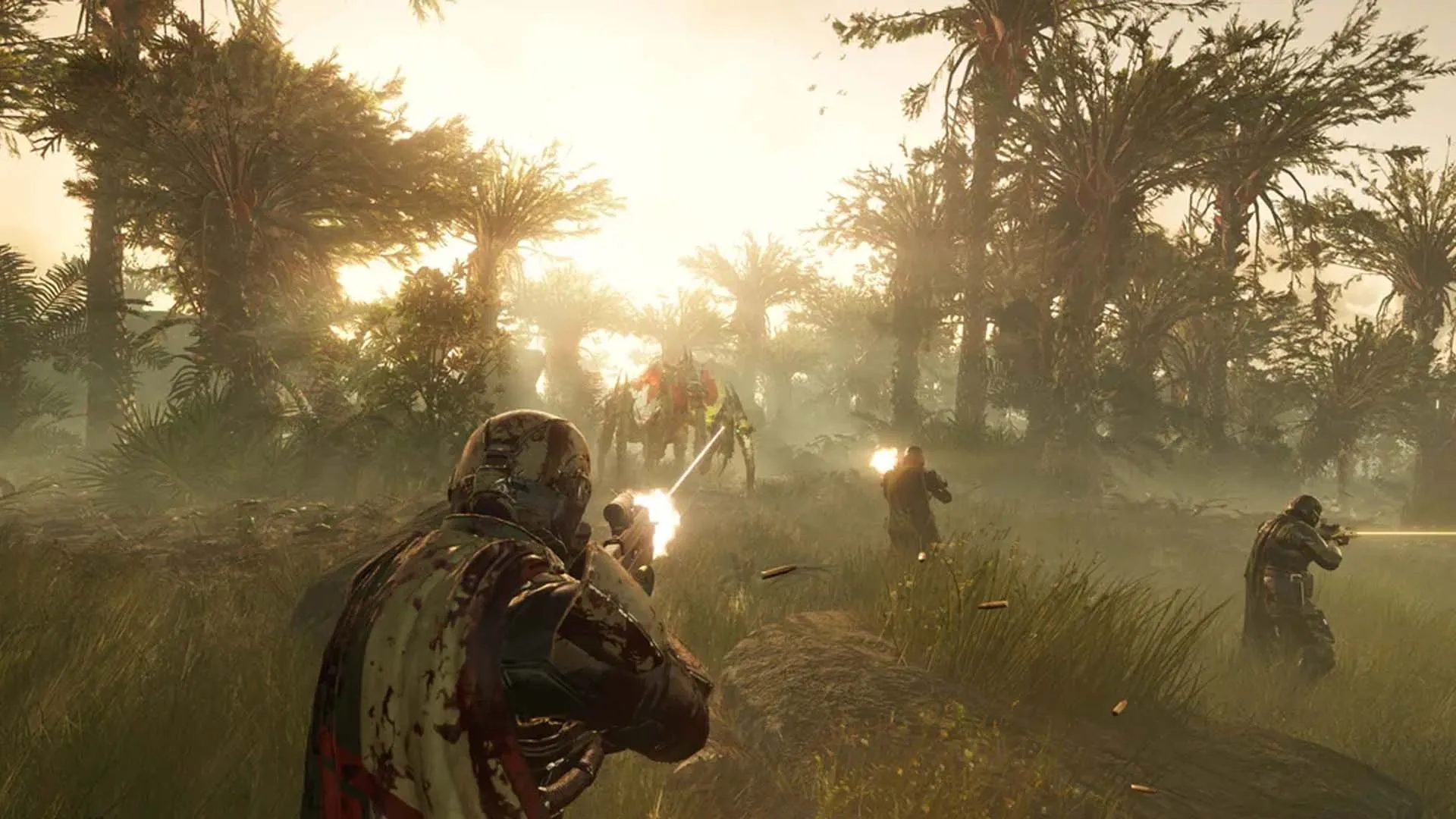
Equip Helldivers 2 Boosters before each mission for advantages. Some decrease reinforcement budget refresh time, others ease traversal over tough terrain.
Boosters aren’t immediately accessible in the PS5 exclusive. Unlock them gradually via the Acquisitions menu, akin to a standard Battle Pass. Swift unlocking is crucial for survival due to its benefits.
Learn how to unlock and equip Helldivers 2 Boosters, along with currently available options. Updates will be provided as more are introduced post-launch.
How to Obtain Boosters in Helldivers 2:
Access the Acquisitions menu (Square on PS5). Each tile requires a specific number of medals to unlock. Boosters appear every two pages, so unlock them gradually. Additionally, explore the Steeled Veterans Centre within Acquisitions, which offers some Boosters as part of the paid battle pass.
How to Utilize Boosters in Helldivers 2:
Before a mission, navigate to the ready-up menu. Adjacent to your Stratagem slots, locate a hexagonal slot. Choose and equip an unlocked Booster. Note that Boosters can be reused, but each team member can only use one unique Booster per mission. Optimize communication with your team to select Boosters tailored to the upcoming mission.
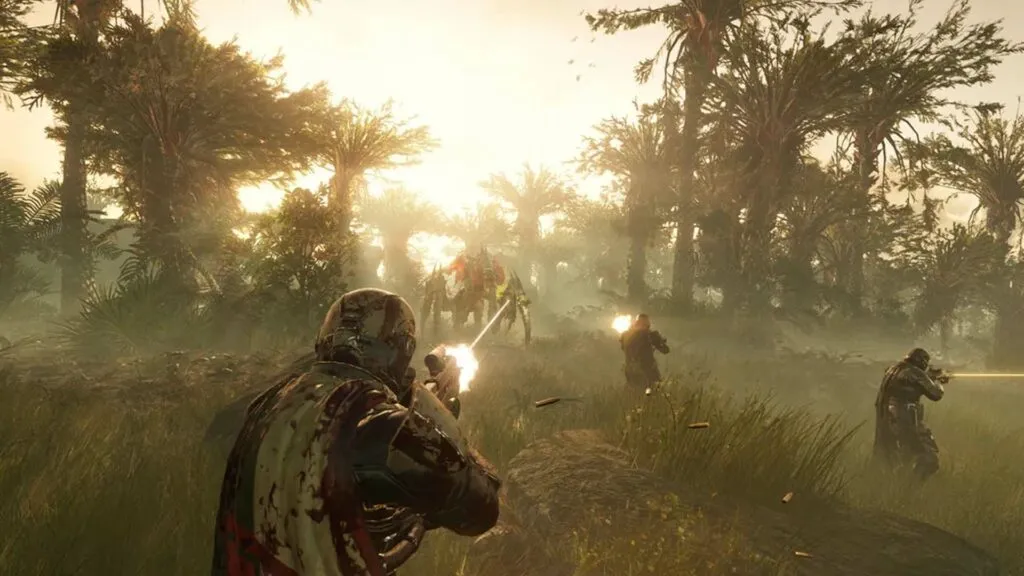
Helldivers 2 Boosters List:
- Hellpod Space Optimization: Ensures Helldivers exit Hellpods fully equipped with Ammo, Grenades, and Stims.
- Vitality Enhancement: Enhances Helldivers’ injury resistance.
- UAV Recon Booster: Expands Helldivers’ radar range effectively.
- Stamina Enhancement: Augments Helldivers’ stamina capacity and recovery rate.
- Muscle Enhancement: Facilitates Helldivers’ navigation through challenging terrain.
- Increased Reinforcement Budget: Raises the number of available reinforcements.
- Flexible Reinforcement Budget (Steeled Veterans): Shortens the interval until new reinforcements are granted after depletion.
Related Stories

Logitech G Play 2025: Fresh Mice & Headsets Drop

Steam Tests New Store Interface Beta With Enhanced Navigation