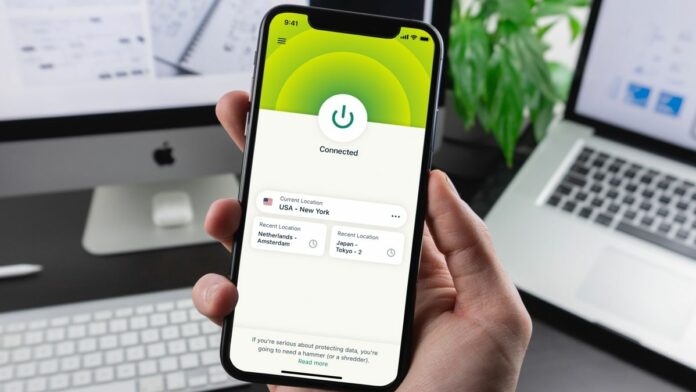
ExpressVPN just gave its users an important deadline. Regardless of platform, you must update the app before March 31, 2026 or you will lose VPN protection.
This update is due to ExpressVPN removing the old security certificates. This means that existing applications will no longer be able to authenticate or connect to the VPN service.
ExpressVPN is one of the best VPN services on the market and these updates are necessary to ensure user protection. Fortunately, updating your app is easy regardless of the platform.
If you have automatic updates enabled, this probably won’t affect you. However, given the consequences of not using a VPN, you should check if you are already using the latest version.
All legacy ExpressVPN apps will be offline by the end of March
In a statement, ExpressVPN said it would remove old security certificates. Without a working certificate, your ExpressVPN app will no longer be able to connect to a VPN server.
This does not affect the Internet connection. You can still connect, but without the added protection of a VPN client.
This means that your IP address is visible to your Internet Service Provider (ISP) and various websites and applications. You may also be more vulnerable to potential threats.
Most devices require updates. As a result, Linux users have to switch to the GUI-based client.
The update does not bring any new features to users, but it does add an extra layer of security by updating old certificates with new and improved certificates. Credentials now support ExpressVPN’s latest post-quantum security features, making it future-proof.
The certification change follows other recent updates, including a major Qt performance update, an increase in connection speeds, and a major mobile app overhaul in May 2025.
How to update ExpressVPN or check the existing version of your app
The update is free for all ExpressVPN apps. To ensure your protection, you must update to the latest version of your respective application as shown below.
Updating is easy. Many users may have automatic updates enabled. Otherwise, you simply need to click “Update” in the app when prompted or go to the ExpressVPN website to download the latest version.
To check your app version, follow these steps:
If you use a third-party router running ExpressVPN firmware, you’ll receive an automatic update so you don’t have to do anything.
